Submitted by Deepesh Agarwal on Sun, 06/28/2009 - 12:12
 Today I faced a very strange and rare error while accessing my SD memory-card on my Windows XP PC, the memory-card was getting detected fine but accessing the card rebooted the computers every-time, further investing the event-log revealed Fat.sys errors causing the reboots.
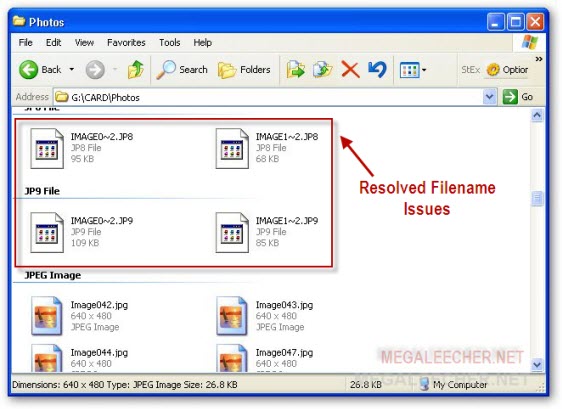
Luckily solution to this annoying problem is pretty simple and you just need to run standard scandisk disk-check to let Windows sort out file-system errors on the card, in my case the error was duplicate filenames in same folder caused due to data corruption as shown above (corrected by scandisk).
Comments
vpn
i want vpn please
Will replacing my smps help
Will replacing my smps help solving sudden shut down of my computer while playing latest games?
Add new comment