Submitted by Deepesh Agarwal on Sat, 09/12/2009 - 09:07
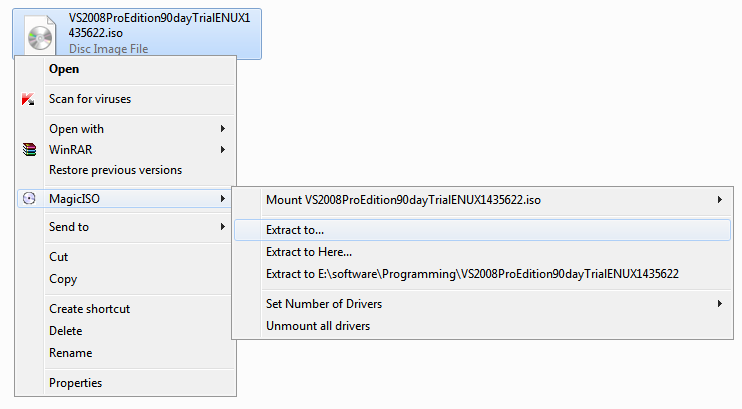
 Microsoft Windows 7 come equipped with an handy feature allowing burning of .ISO image files without needing any third-party application the fast and easy way, however, it still lacks a much needed image file mounting feature which allows users to access disc-image files as virtual CD/DVD drives, there are many free virtual CD/DVD mounting utilities out there and MagicDisc is one of them getting the job done on Windows 7, Vista and XP.
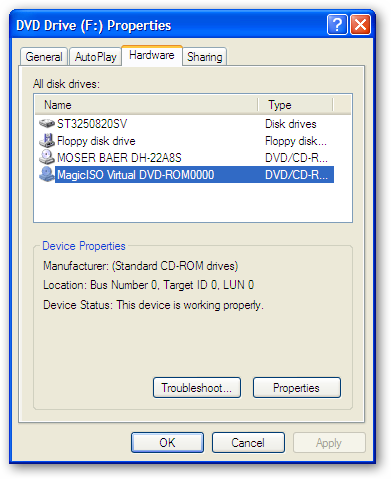
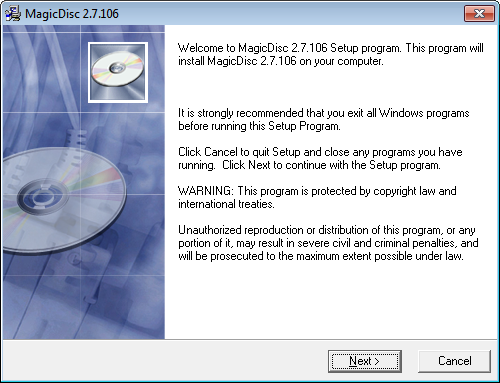
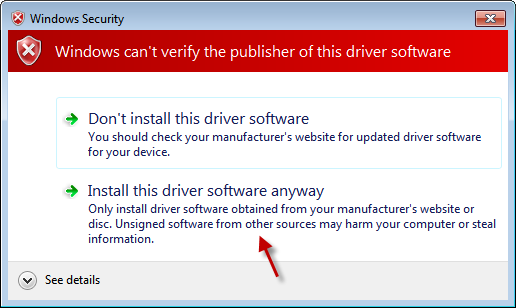
Simply download MagicDisc version of your choice from this page and start the setup, allow the driver installation and you will have a easy to use free virtual drive utility at your disposal.
Comments
Or...
you could just install Daemon Tools. It works 100% better anyways and does not have the MagicISO glitch that causes 100% CPU usage randomly. Read the MagicISO forums to know more about the glitch.
---------------------------------
Fertility Is Hereditary, Chances Are If Your Parents Didn't Have Children Neither Will You
Add new comment