Submitted by Deepesh Agarwal on Fri, 04/17/2009 - 05:17
 I have shared tips on how to import InPrivate Filter list in IE8 to block advertisement servers, while the previous method was pretty easy to implement it still needed manual importing to get the job done, another problem with the InPrivate Filter feature is that it is set to OFF by default and require you to switch-it ON after each start, but not anymore simply import the registry file provided at the end of the post and all filters will get imported and IE8 will start with InPrivate Filter mode set to ON by default.
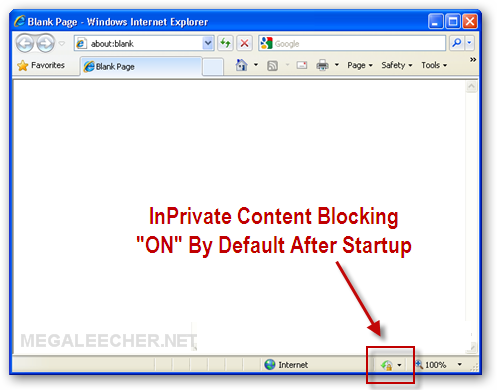
Download the registry file - IE_8_Ad_Block_List_With_Auto_Start_Hack.reg and double-click to merge registry.
Comments
Great !!!
thanks, i'm finding it
You are Genius
Exaclty what I was looking for, thanks a ton.
Perfect Solution
Thank you for this solution; it's exactly what I was looking for and just an easy-to-implement registry mod.
Add new comment