Submitted by Deepesh Agarwal on Sun, 02/20/2011 - 15:47
 We want our web-browsers to be as fast as possible, we have shared tips on various optimizations aiming to make Firefox faster like the CPU optimized Pale Moon Project, SpeedyFox, Firefox memory optimizers and BarTab.
Today we have another nifty little tool which optimizes your Firefox install by removing unwanted language files from Extensions making start-up faster.

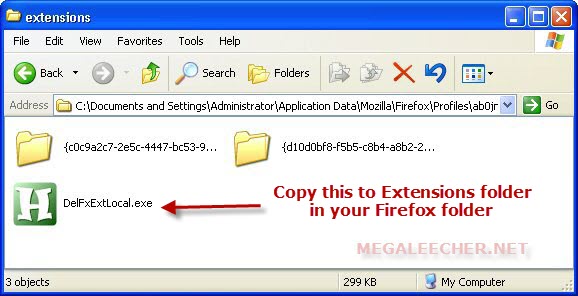
To get started download and copy DelFxExtLocal.exe to your "Extensions" folder inside your Firefox Profile Directory (use "%APPDATA%\Mozilla\" in Windows Explorer to open) and execute. Also, make sure you backup your profile directory just in-case something goes bad.
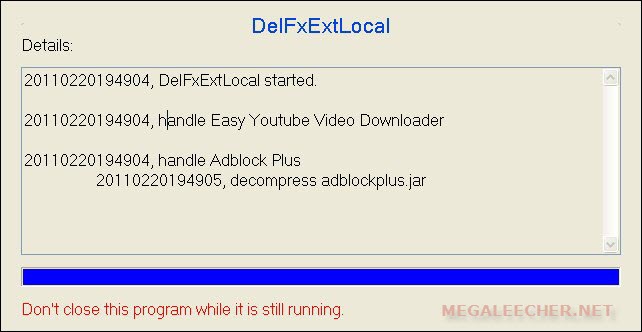
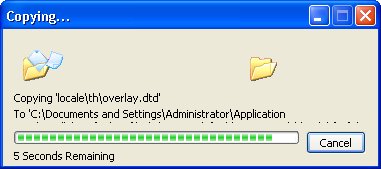
Firefox Extra Language Deletion Process







Comments
didn't work for
didn't work for me..
hopefully made a backup...
Add new comment