Apple BootCamp supplies users with correct Windows drivers and configurations to let them use Apple Hardware with Microsoft Windows operating system. Sadly, these BootCamp drivers are not updated at par with their OEM Windows counterparts and trying to update these using OEM version does not work. Updating drivers gets specially compulsory in-case of bundled graphics cards (usually AMD Radeon) as newer games complain about outdated drivers which create compatibility and performance issues for them with the error shown below.
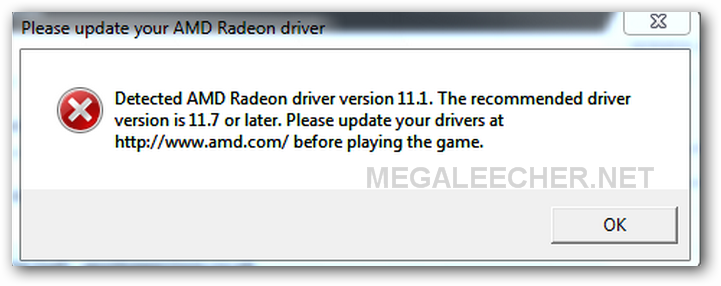
"Detected AMD Radeon driver version 11.1. The recommended driver version is 11.7. Please update drivers at http://www.amd.com/ before playing this game."
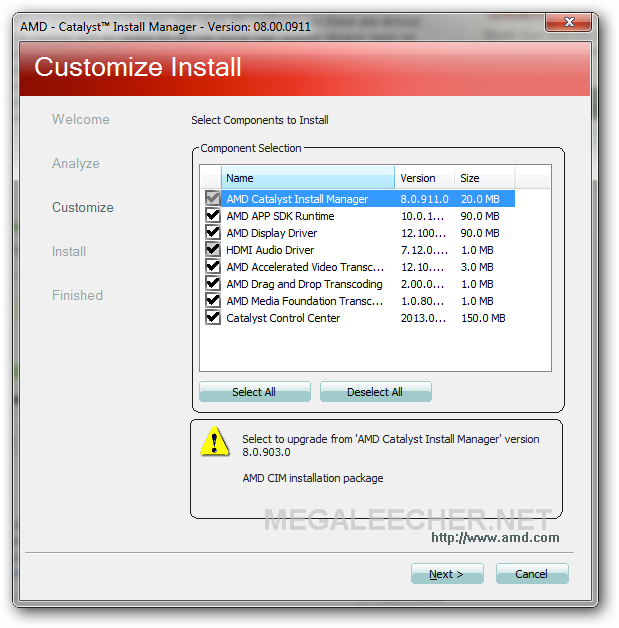
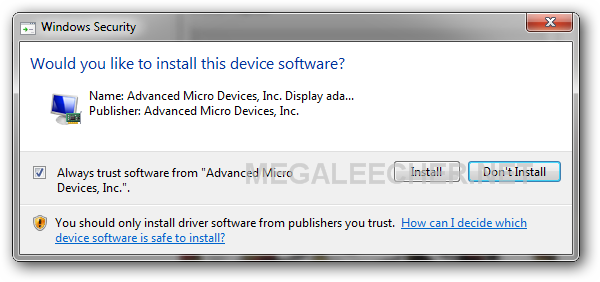
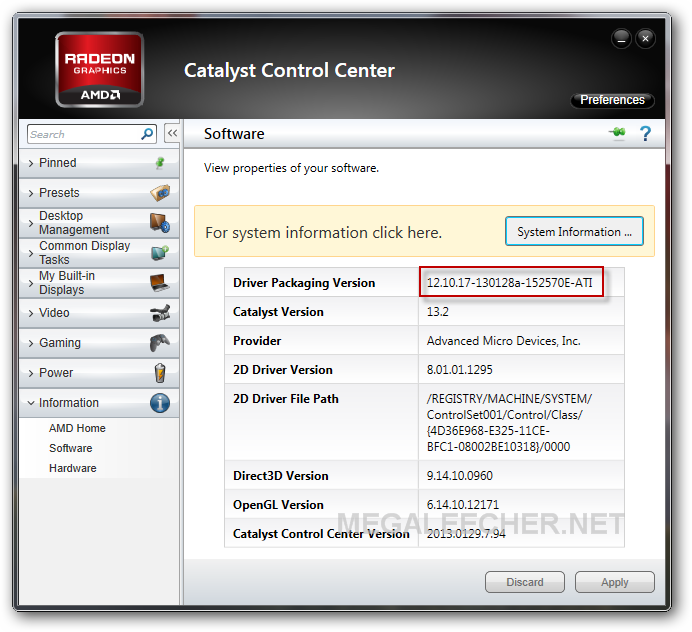
If we try to download and install the latest AMD Radeon drivers for the connected graphics card, the installer either refuses to install citing a non-supported system error or completes the installation, but leaves the driver to the original version installed by BootCamp. Luckily, there's a way out and all a user needs to do is download and install the latest Mobility BETA driver from AMD website, the BETA installer bypasses the block conditions used in the "Stable" release channel installer as shown below.
UPDATE # 1 Trying to update to the latest AMD Catalyst 13.6 Windows® Beta 2 Driver will fail, make sure you get the Catalyst Mobility version of the driver to get it working.
Comments
THANK YOU! found this on the
THANK YOU! found this on the 2nd page of a google search. should be top of the first if ya ask me
Add new comment