Rooting Android
Rooting Google Android OS v 2.3.5 XXJVT
Submitted by admin on Tue, 11/22/2011 - 13:17
In last tutorial we demonstrated how to use cross-platform Heimdall flashing utility to get the latest stock firmware "Google Android 2.3.5 XXJVT" on Samsung Galaxy I9000, if you are a power user you must know the benefits of rooting your android phone and here is how you can root this latest stock firmware using ever popular Chainfire root and ODIN.
- Add new comment
- Read more
- 4461 reads
How To Root Samsung Galaxy S Firmware I9000XXJVS
Submitted by admin on Tue, 09/13/2011 - 14:17We have downloaded and flashed the all new Samsung Galaxy S firmware I9000XXJVS and the next step is to root it and get the powerful SuperUser benefits, here is how to do this using popular ChainFire root using ODIN (just download the Google Android 2.3.5 compatible root file CF-Root-XX_OXA_JVS-v4.1-CWM3RFS.tar from the links below and flash using ODIN with settings as shown below).
- 4 comments
- Read more
- 5046 reads
How To Root Samsung Galaxy Tab P1000 Running Google Android 2.3.3 Gingerbread
Submitted by admin on Thu, 07/14/2011 - 13:54
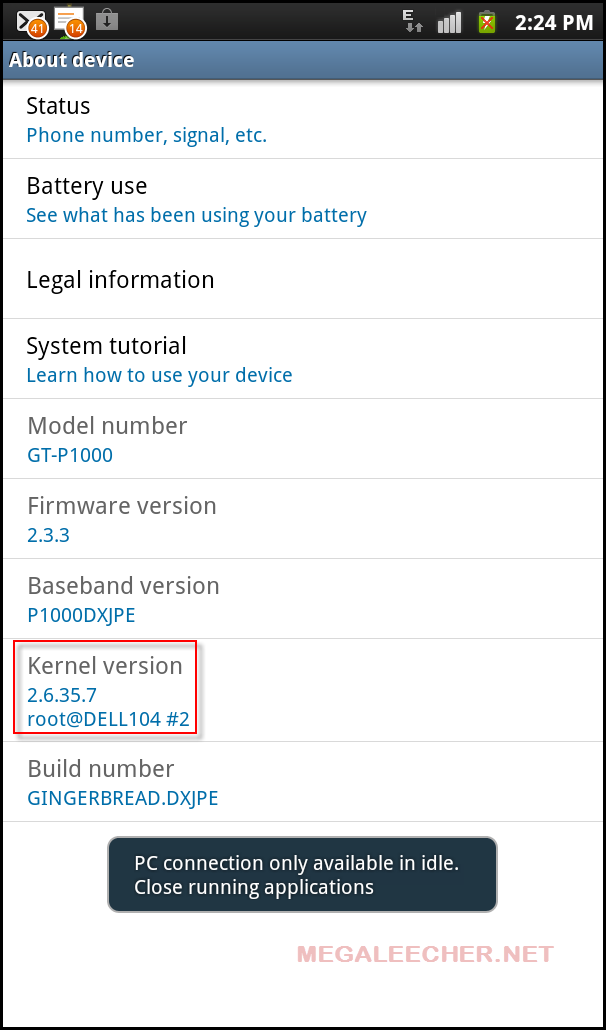
Jailbreaking android and gaining escalated SuperUser rights allows users to tweak and hack their android devices beyond manufacture imposed limitations, here is an easy to follow step-by-step guide on rooting your Samsung Galaxy Tab P1000 device running Google Android 2.3.3 Gingerbread.
- 2 comments
- Read more
- 13642 reads
Fastest And Easiest Methods To Root Your Android Device
Submitted by admin on Thu, 11/18/2010 - 10:52Similar to iOS jailbreak you can hack your stock android install to get root user privilege on the device granting you complete control over it. This process known as "rooting" allows users to overcome limitations, add functionality and customize each and every aspect of the operating-system. Compared to iOS jailbreaking, rooting android is a bit easy and can be achieved either by using a desktop application or an application downloaded from market/SD card. While there is quite a fleet of different android powered devices the methods shared below should work on most cases.
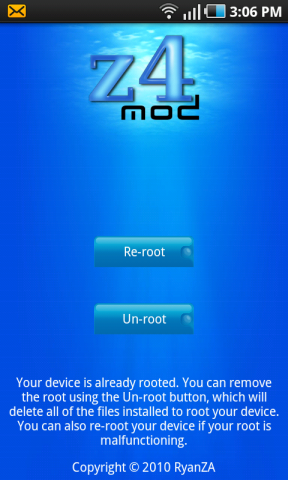
If you want to go the "On device" method z4root is the answer, you simply grab the application from "android market" (or download apk to your device storage from computer) and launch it following on-screen instructions.
- 3 comments
- Read more
- 6715 reads