Despite being the most widely used authentication system of the digital world, Password based authentication have their own set of issues and challenges. Whether it be the compromised security situation due to leakage and brute-forcing of passwords or be it the inconvenience of memorizing passwords and the hassle to input them every time for access.
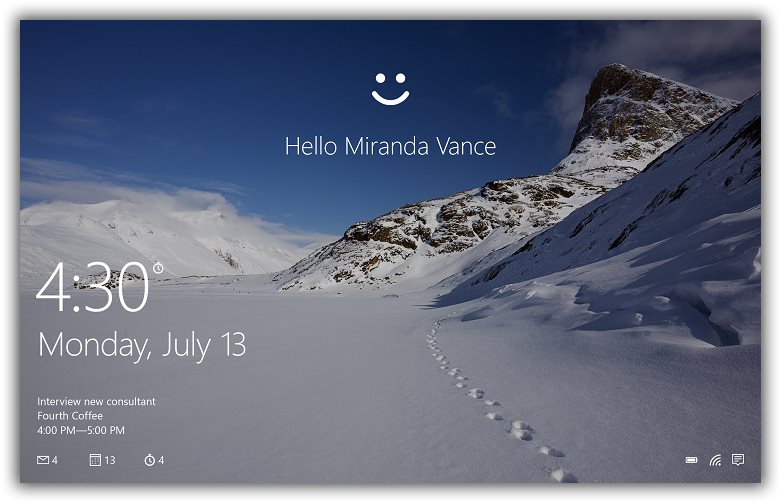
Microsoft has tried to tackle the issue in Windows 8 by using Picture Login Feature, their are also some third-party apps like face-recognition authentication app Blink! as an alternative. Taking things further, Microsoft will be introducing Windows Hello Biometric Authentication Technology in upcoming Windows 10 devices. The new authentication system utilizes a variety of biometric inputs like fingerprint, face, or iris scans, in addition to hardware and software fingerprinting to allow seamless, secure and instant user recognition and sign-in.
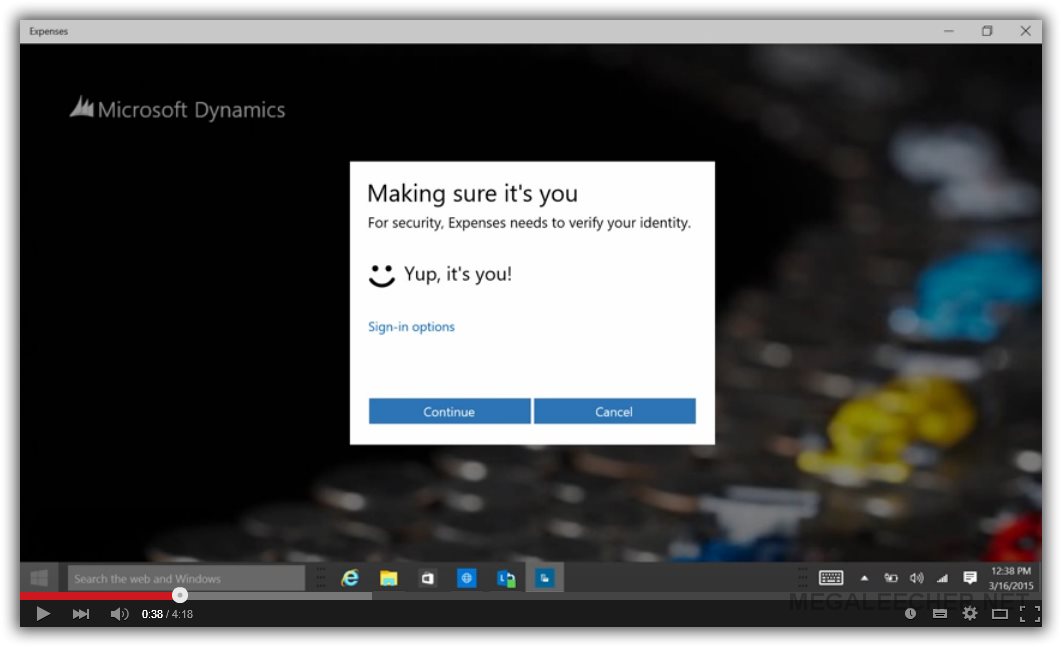
According to Microsoft, Windows Hello was designed to replace insecure password based authentication and deliver enterprise grade security and privacy for it's users. The technology makes authentication a simple matter of looking at or touching a device running Windows 10 and be immediately signed in. The new technology is designed to be much safer than traditional passwords, the combination of user biometric data and the device signature are the keys to your Windows experience, apps, data and even websites and services. Do watch the video shared below for a demonstration and further introduction to the technology.

 We can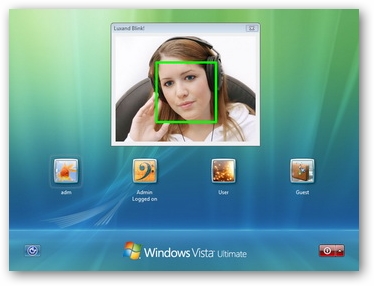
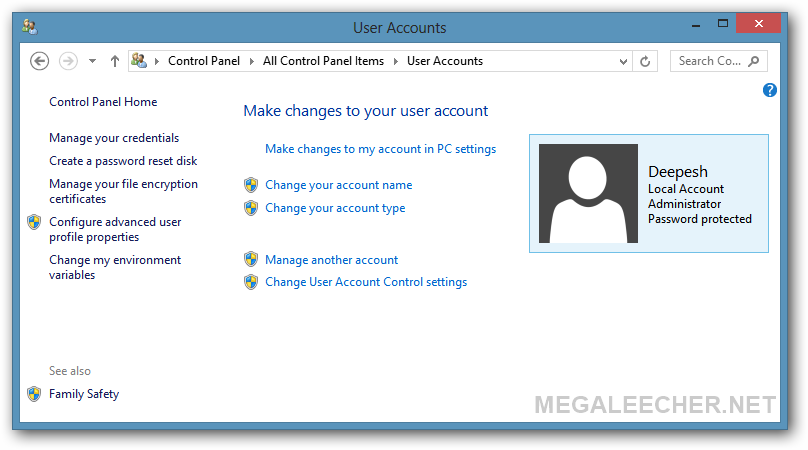
 If you don't use user-accounts on your PC and want to get rid of Windows 7 logon prompt here is the simple procedure to enable auto-login feature in Windows 7, its very similar to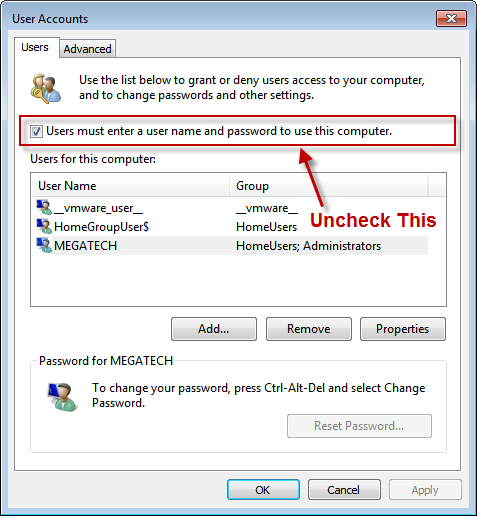
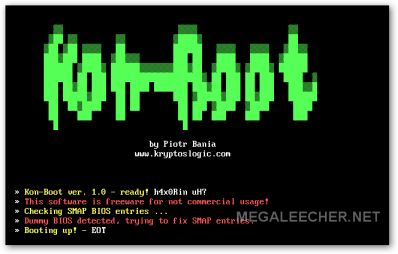
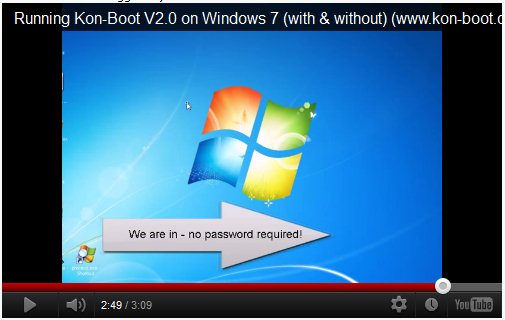
 Imagine the security nightmare if general users are able to bypass your operating system security and logon as Administrator or root account having all privileges by simply inserting an floppy or CD, now this scary situation is possible using a prototype software KON-BOOT which hacks into Windows and linux kernel on the fly while booting, the novice friendly softwares allows users to bypass logon passwords completely by simply booting via the KON-BOOT CD or Floppy disk, in its current incarnation the software has been tested to bypass logon passwords on Windows 7, Windows Vista, Windows XP, Windows Server 2003/2008, Gentoo, Ubuntu, Debian and Fedora.