Apple iPhone now officially supports ringtones but require you to pay and purchase them from iTunes Store, However, you can easily create and use custom iPhone ringtones from your existing MP3 music library for free, there exist several different tricks and utilities to create iPhone compatible ringtones with ease.
Ring Ring would be the most easy to use free utility for creating custom iPhone ringtones, to convert any MP3 file into iPhone compatible ringtone format all you need to do is to simply Drag-and-drop it into the application and choose start and stop timings, details of the full procedure are as follows:
- Download and Extract Ring Ring - iPhone Ringtone Maker.
- Double-click "RingRing.exe" to launch application.
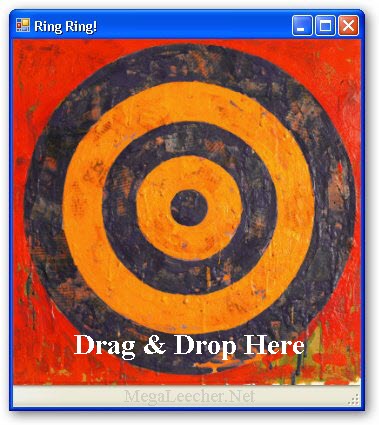
- Drag-and-drop or Double-click and browse desired MP3 file from the Drop-target as shown above.