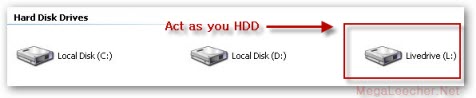
 We have discussed quite a few free online web-storage services earlier on this blog, best of them being DropBox offering a simple and safe method to store and synchronize files across computers with ease, New online data storage service LiveDrive is now here to make it even easier, the service is currently in BETA offering unlimited data storage space without any charge during the BETA period, using LiveDrive is dead simple you just save the data on the LiveDrive virtual disk on your computer and your data automatically gets uploaded in the background.
You can install LiveDrive on any computer to synchronize and access you files anywhere like a normal disk-drive, add to that you can also access and manage your files and folders anywhere using the simple online manager even on mobile devices like iPhone with ease.
 Much awaited free online storage service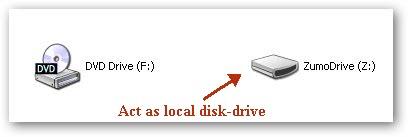
 We have discussed quite a few