If you own a 32-Bit computer with more then 3 GB of RAM you must be knowing that your operating-system can only make use of roughly 3 GB RAM and rest remains unused because of memory addressing space limitation on 32 Bit systems, today I will be showing how you can make use of this wasted memory improving your computer speed significantly.
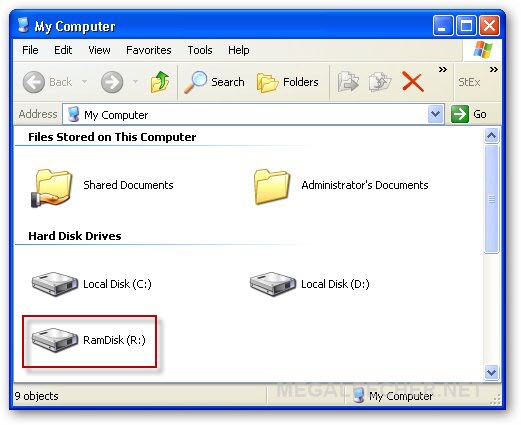
The best way to utilize this wasted memory and speed-up your computer is to use it as an RAMDISK, storing frequently accessed temporary files like system pagefile, temp-files and web-browser cache, since I/O operations to RAM is significantly faster then disk you will greatly benefit from using RAMDISK as a temporary file storage.
Follow the simple guide next to create a RAMDISK and use it to store temporary files.
 If you own a 32-Bit computer with more then 3 GB of RAM you must be knowing that your operating-system can only make use of roughly 3 GB RAM and rest remains unused because of