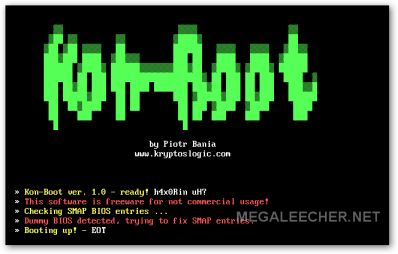
 We were one of the first blogs to have reviewed Kon Boot earlier as the easiest way to bypass login authentication passwords On Windows 7, Vista, XP, Gentoo, Debian, Ubuntu and Fedora operating-systems, the utility has now been updated to v 1.1 fixing bugs with added support for 64 Bit operating systems.
Now supporting creation of KonBoot bootable USB, CD/DVD and Floppy disk drives the utility allows users to completely bypass the Windows authentication process hooking itself during boot procedure, the utility does not make any permanent changes to files on your computer.
 We were one of the first blogs to have reviewed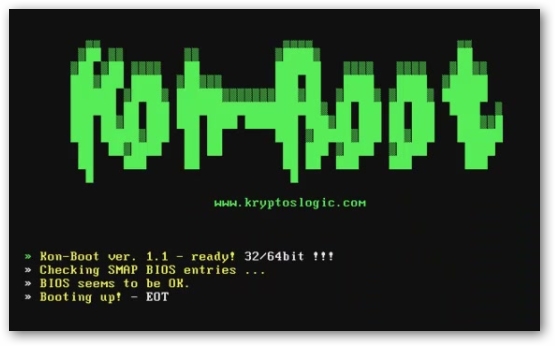
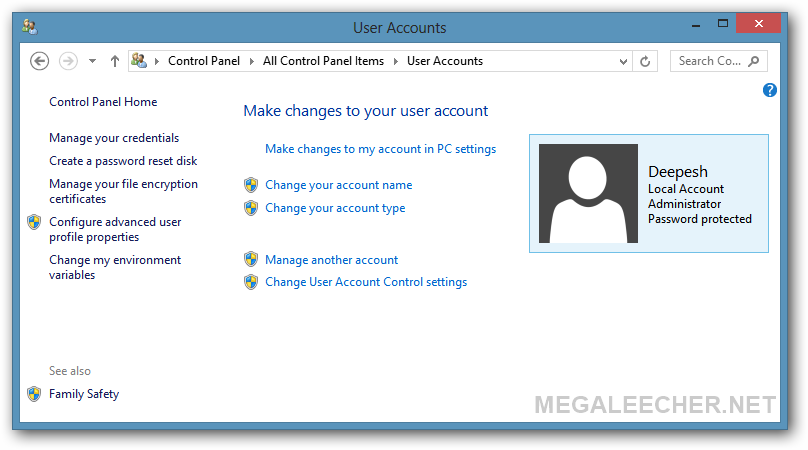
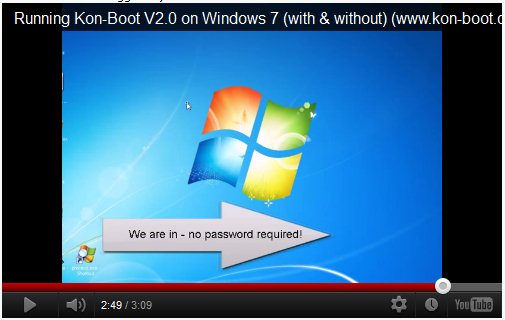
 Imagine the security nightmare if general users are able to bypass your operating system security and logon as Administrator or root account having all privileges by simply inserting an floppy or CD, now this scary situation is possible using a prototype software KON-BOOT which hacks into Windows and linux kernel on the fly while booting, the novice friendly softwares allows users to bypass logon passwords completely by simply booting via the KON-BOOT CD or Floppy disk, in its current incarnation the software has been tested to bypass logon passwords on Windows 7, Windows Vista, Windows XP, Windows Server 2003/2008, Gentoo, Ubuntu, Debian and Fedora.