Having the option to boot into an operating-system of your choice in multi-boot environment is an much needed feature. While PC's have BIOS options to change/select the booting order, Apple's Mac computers features an handy "Startup Manager" utility to enable boot selection during computer start, this comes specially handy when using Windows via BootCamp to pick which OS volume to boot.
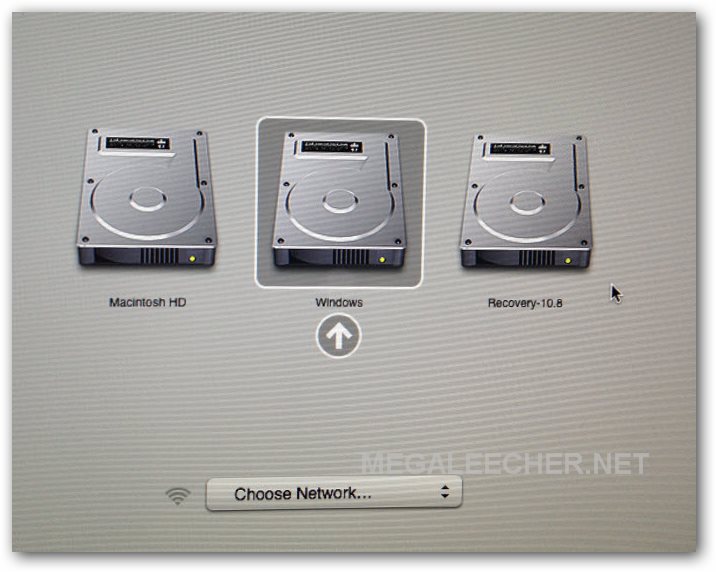
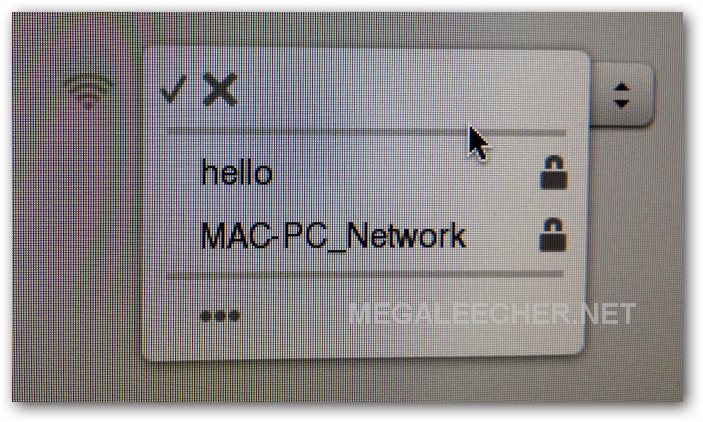
To enable boot volume selection, press and hold the "Option"/"alt" key immediately after starting your Mac. The "Startup Manager" shown above will get launched, dispalying all bootable volumes including removable media like thumb drives/disks and optical media. Use the left and right arrow keys to select the volume you would like to boot into and press "Enter/Return" to start booting. The Startup Manager also allows users to pick network's for booting using network drives as shown below.
Comments
startup manager Mac
I use reFit which works automatically....far better though...
Add new comment