 Custom and legacy software application compatibility has always been an issue with newer operating system platforms, and if this is the reason stopping you from upgrading to the latest operating-system technology all new Microsoft Windows Virtual XP Mode is now here for rescue, the XP virtulization technology integrates seamlessly with host system offering a streamlined experience with full backward application compatibility, to check the new Virtual XP Mode in Windows 7 I tested it using popular accounting software Tally 7.2 which is incompatible with Windows Vista and Windows 7, launching the application on Windows 7 throws the error as shown below.
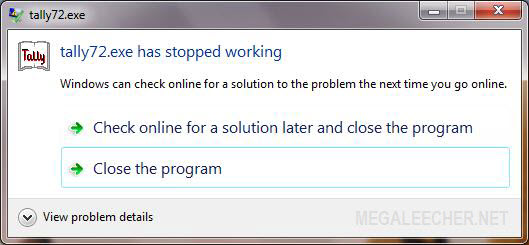
Setting up Virtual XP Mode and making applications work with it is quite easy and simply requires users to install applications on guest operating system, you can follow the easy to setup guide ahead to make non-compatible applications work in Windows 7 using Virtual XP Mode.
Setting and using Windows 7 XP Virtual Mode :
- Download and install Windows Virtual Machine for Windows 7 - Windows6.1-KB958559-x86.msu
- Download and install Windows XP virtual machine - VirtualWindowsXP_32_en-us.msi
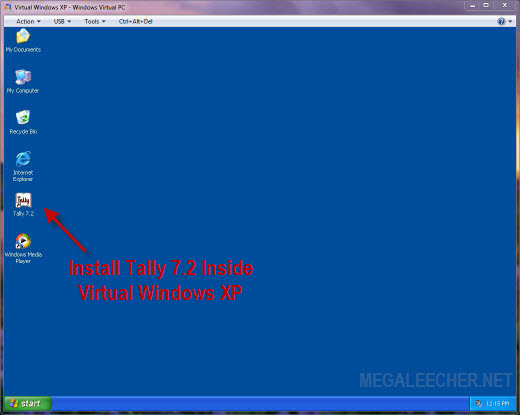
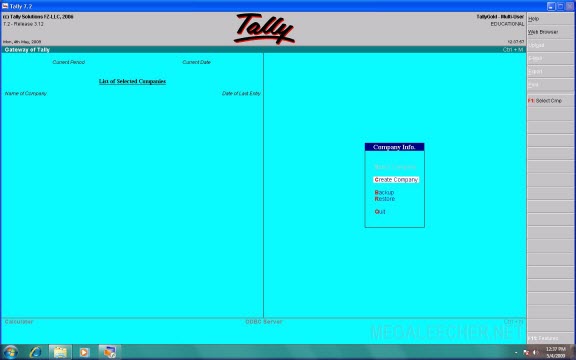
- Once virtual machine is setup, install the application on guest OS (Windows XP) as shown below (Tally).
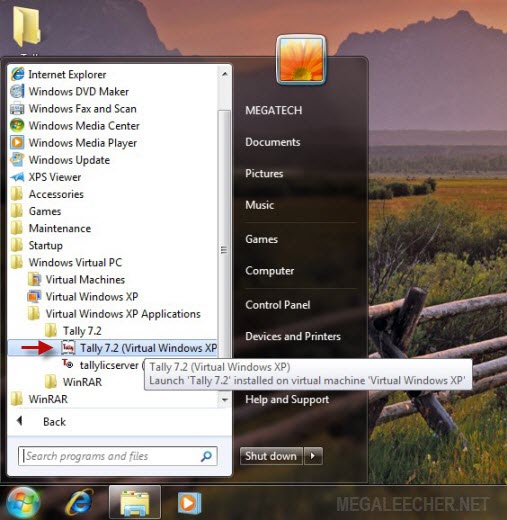
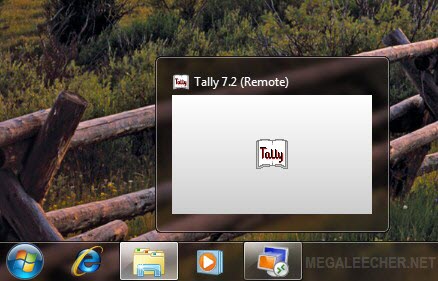
- Now all applications installed on the virtual guest system (Windows XP) shows up inside the Windows Virtual PC start menu group on host system (Windows 7) automatically as shown below.
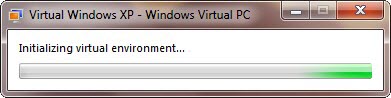
- Simply click the shortcut to launch the application in virtual environment seamlessly integrated to the host system.
- Enjoy legacy application on Windows 7 with full compatibility.
Comments
kind of lame it requires
kind of lame it requires specific Intel and AMD cpu's.
---------------------------------
Fertility Is Hereditary, Chances Are If Your Parents Didn't Have Children Neither Will You
Wow, Thanks...
Tally was the only reason which made me have XP as an dual-boot option with Vista.
thanx
thanx
can u plz provide d download
can u plz provide d download links for d givn appication needed to b installed ?...
win xp mode on win 7
thank you. it worked. me, a computer support professional & it will really help me.
thanks for the support
pl send me the download link
please send me the download link for the said application
thanx
send me the downlink
Please send me the download link for tally 7.2 or tally erp9 for window 7.
thanx
thank u for the help it's
thank u for the help it's verry use full for me it works well
setup telly 7,2 on my windiws 7
send me setup by mail...setup telly 7,2 on my windiws 7
Regarding Tally data directory in Windows XP mode
I want to know where can i find the tally directory in windows 7 when I installed tally on Windows virtual Xp mode. I am not able to backup the tally data on other drive. Kindly guide for the same.
Add new comment