Submitted by Deepesh Agarwal on Wed, 07/22/2009 - 13:31
 Syncing your iTunes and Windows Media Player music library to your Blackberry is now as simple as it can get using official BlackBerry Media Sync utility, after having some tough-time trying to figure out how to transfer MP3 files to my friends BlackBerry smartphone, unsuccessful in getting it detected as a mass-stroage device my quest lead me to this simple utility.
To sync music using BlackBerry Media Sync follow this simple guide :
- Download and install BlackBerry Media Sync.
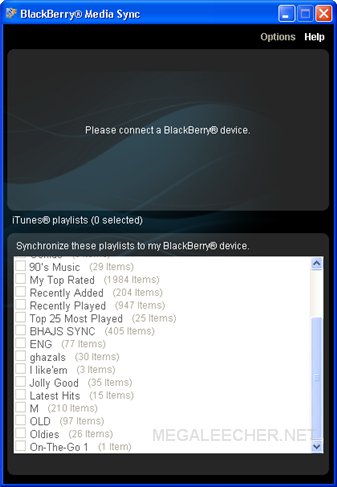
- Launch it and connect your BlackBerry via USB.
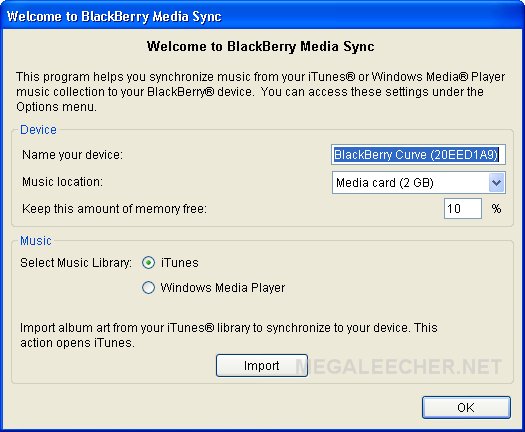
- Your device should now get detected and following screen would appear.
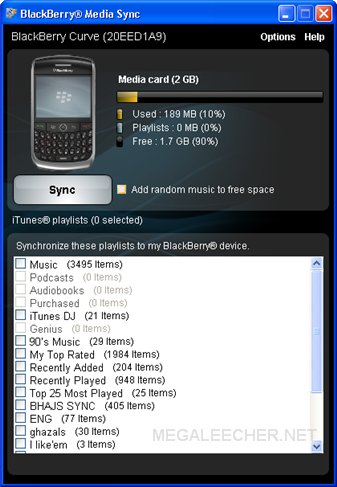
- After successful connection your device and music library will appear.
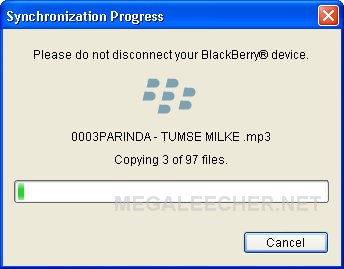
- Select playlist you like to sync and click the Sync button to start the transfer.
- Enjoy music on your BlackBerry.
Comments
you did a good jobnice
you did a good job
nice going!
Add new comment