We had shared tips on how to reset forgotten iPod screen-lock code and iPod volume lock PIN, if you are facing the same problem with your iPhone or iPod Touch until recently you were out of luck as the only option was to do a fresh restore but now new utility RMPassword lets you reset your iPhone lock passcode easily on a MAC OS X.
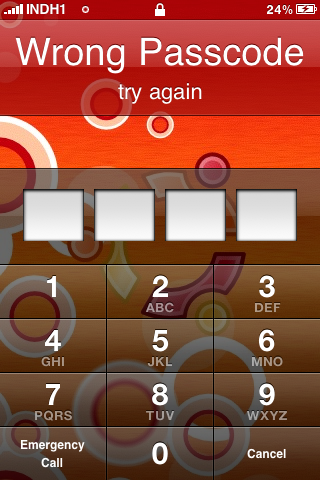
To get your iPhone lock code resetted follow the simple hack as described next, for this to work your iPhone must be jailbroken with Wi-Fi connectivity and should have OpenSSH installed.
Simply Open the Terminal and paste the code below and then press Enter :
sudo gem install net-ssh & & curl-O http://www.iBlogeek.com/downloads/RMPassword.zip RMPassword.zip unzip & & & & mv RMPassword.app / / Applications / & & rm RMPassword.zip & & echo "installed!"
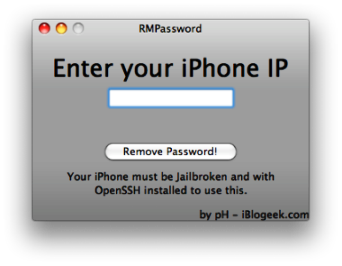
RMPassword will now get installed in /Applications/ folder, Open the folder and double-click RMPassword (lock icon) following the on- screen instructions to reset your iPhone Passcode.
Comments
Useless
The utility needs the iphone to be jailbroken and with openssh, now it just need to ask me my root password (of course i hace changed it on my iphone)
its not letting me download
its not letting me download the it..i have a jailbroken iphone and also wifi..please help!
ya full of coke
ya full of coke
iphone ip..?
what is the iphone ip...?
Add new comment