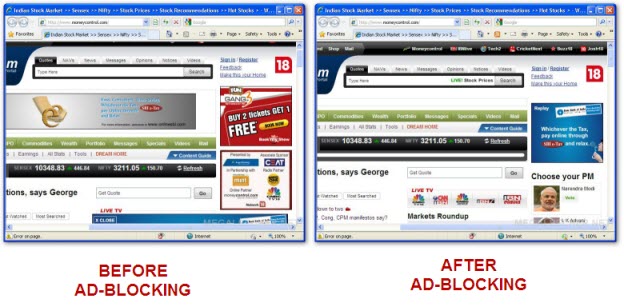
If you have not tried Internet Explorer 8 Final yet I strongly urge you to do so, the new feature packed browser is considerably faster then earlier versions rendering pages perfectly, while every IE8 user knows about new features like InPrivate browsing, webslices etc. very few know about InPrivate Filters a smart content blocking functionality which can be used to block advertisements in Internet Explorer 8, Once activated from statusbar or shortcut key - CTRL+SHIFT+F smart InPrivate Filter automatically learns, detects and blocks common repeated-content from ad-servers appearing on websites you visit.
The best thing about InPrivate Filter is that you can easily manage the block list and even import filtering patterns similar to ad-blocker.
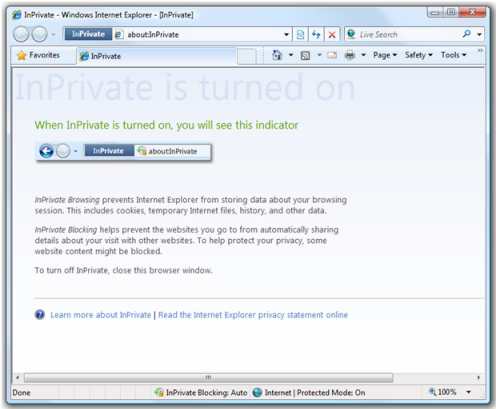
Internet Explorer 8 Beta 2 is now available for public downloading, the most notable change being addition of a "Private Browsing" feature, dubbed "InPrivate™ Browsing" the feature when activated let users browse website off the record, not saving any browsing history, cookies, and any other browsing related data.
The browser war is expected to heat up once again as Microsoft announced the next version of IE “Windows Internet Explorer 8" to be made available for downloading as beta version in the first half of 2008.
 If you have not tried