Windows XP Task Manager (CTRL+SHIFT+ESC) has a not so widely known "no titlebar" view mode just double-click on the empty area on the right side of the tabs. Once it has switched views, you can switch back quickly by double-clicking anywhere on the border.
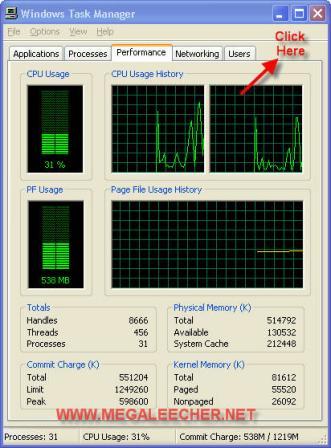
Switch to the Performance tab before activating this border-less mode and you will have a nice and simple CPU monitoring desktop widget without using any third-party application.
