 "Stop AutoPlay" is a free firefox extension to block annoying autoplay media on webpages like background sounds and auto-start movies, Stop Autoplay will stop the auto-loading media and allow you to control whether to play it or not.

To block the autoplay of the embedded media, you have two modes to choose:
- Disable only the autoplay of the embedded media. In this case, the media file will still be loaded and embedded when page is loading. Press the Play button of the controller when you want.
- Block the media when loading a page. It will be replaced by a red frame with a play button in the center. Click in the red frame to load and then play it.
It is advised not to use this extension with Flashblock extension for Firefox.
 Addon's have been a major plus for Firefox web-browser enhancing the overall web-surfing experience, and brand new addon Firesay is going to make it even more interesting. Just imagine surfing the web hands-free without touching your keyboard showing off your geek smartness to your friends just via voice-commands - now possible using uber-cool and geeky Firesay addon.
 HTTPS Everywhere is a Firefox extension produced as a collaboration between The Tor Project and the Electronic Frontier Foundation. It encrypts your communications with a number of major websites.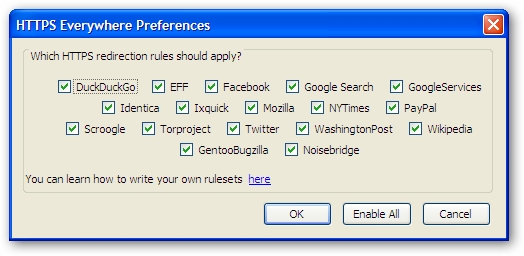
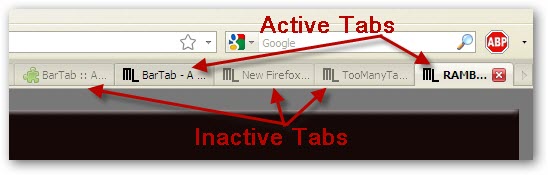
 Tab overload and its performance impact on system is a big annoyance most Firefox users experience, While there have been Firefox extensions like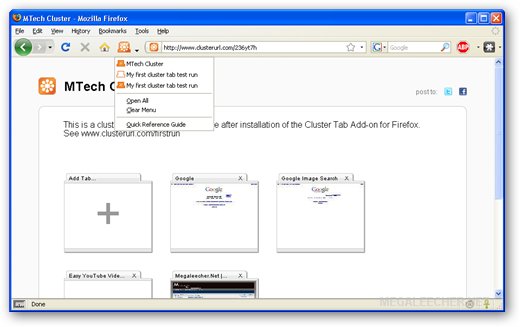
 There are numerous tricks, tools and online sites to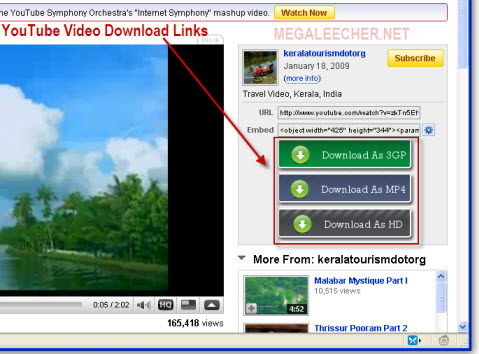
 Firefox extensions like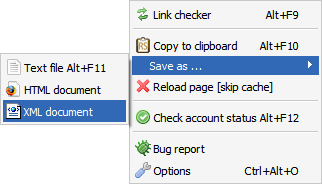

 Having lots of tabs loaded in Firefox eats substantial amount of system resources and can make things pretty slow and unorganized, the guys at
 Few days ago my Firefox profile got corrupted and resulted in loss of essential data, Loosing your browser's saved passwords, bookmarks, settings and customizations can be very frustrating if a lot depends on it, While searching for Firefox profile backup solutions, I came across FEBE - A simple to use, highly customizable Firefox Environment Backup Extension, unlike other Firefox backup and restore solutions FEBE lets you automatically backup your browser data of choice to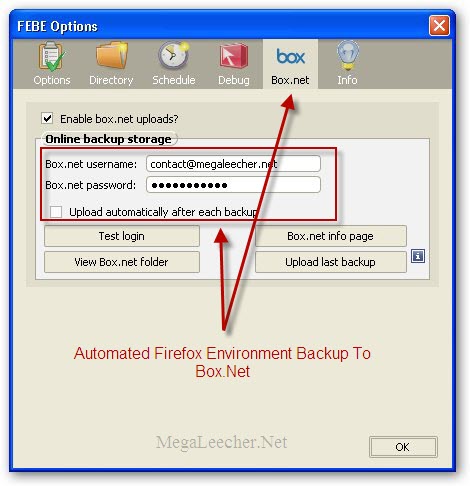
 Firefox 3 is released but most of the extensions are still not compatible with the new browser, here is a little hack to get your must have extensions work with the new browser, but before proceeding do keep in mind that this can be risky and may render your browser insecure, so proceed on your own risk, I tried it myself and everything works fine, All of my favorite addons like - Linkify,