Submitted by Deepesh Agarwal on Sat, 11/22/2008 - 04:56
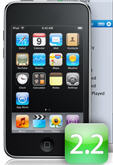
 Apple iPhone Firmware 2.2 is out now and if you ignored the do not upgrade warning for jailbroken iPhones, you must be sitting with a bricked phone by now. Sadly, since iPhone firmware update v 2.2 also updates baseband there is no easy way to restore back to firmware v 2.1, However, one of our reader Keith managed to downgrade his iPhone 3G to version 2.1 after updating to 2.2, He was kind enough to send us the full procedure as follows.
For downgrading iPhone Firmware 2.2 To an earlier version you will need to downgrade the baseband and firmware, for this following software are needed:
- ZiPhone patched by kIREmK (Pls. read this comment).
- PwnageTool 2.2.
- Apple iTunes.
- Firmware IPSW file : 2.1 firmware 3G or 2.1 firmware 2G.
Once you have got all the above softwares, follow the process below:
 As
As 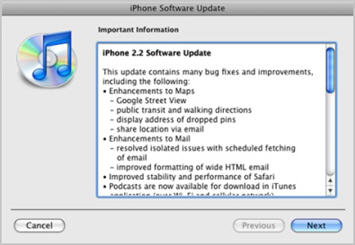
 Microsoft has announced to offer full featured comprehensive anti-malware protection from all kinds of Malware's like viruses, spywares, trojans and root-kits, at the best possible price-tag of FREE, Codenamed Morro the

 Rapidshare free users have to face several annoying limitations including pre-download timer, no simultaneous downloading and variable download wait before successive downloads, because of these limitations downloading multiple-files one after another can be tedious for free users, today I will be sharing a free utility "Rapidshare Plus" to overcome this problem, the small portable utility lets users add and download a queue of Rapidshare links one after another in a fully automated way.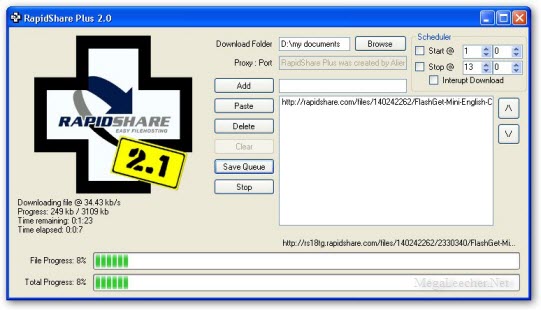
 Having the most up-to-date version of DirectX on your Windows computer is crucial for best multimedia and gaming experience on PC, If you have decided not to risk-upgrade your
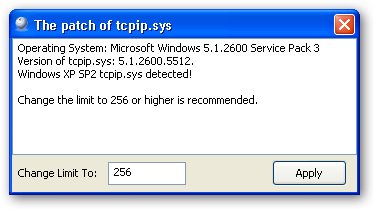
  By default Windows XP allows a maximum of 10 half open connections at a time, this limit is implemented as a security feature to slow-down spreading of