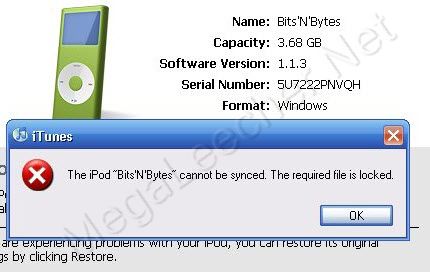
Apple changed the music industry with it's iconic iPod and iTunes Store business model. Now the company has ventured into a new turf, allowing users unlimited music for a fixed monthly subscription like Spotify. To get things started Apple is offering a three month free subscription to anyone who owns an iPhone, iPad, iPod touch, Mac, or PC, the free trial ends for everyone on September 30th, which means if you want to enjoy the freebie it's time you hurry up.
Apple iOS users need to update to iOS 8.4 and then click the “Join Apple Music” option under “Account”. People using a Mac or a PC need to install the latest version of iTunes and do the same thing. Apple Music is currently available in over 100 countries.
 Apple changed the music industry with it's iconic iPod and iTunes Store business model. Now the company has ventured into a new turf, allowing users unlimited music for a fixed monthly subscription like Spotify. To get things started Apple is offering a three month free subscription to anyone who owns an iPhone, iPad, iPod touch, Mac, or PC, the free trial ends for everyone on September 30th, which means if you want to enjoy the freebie it's time you hurry up.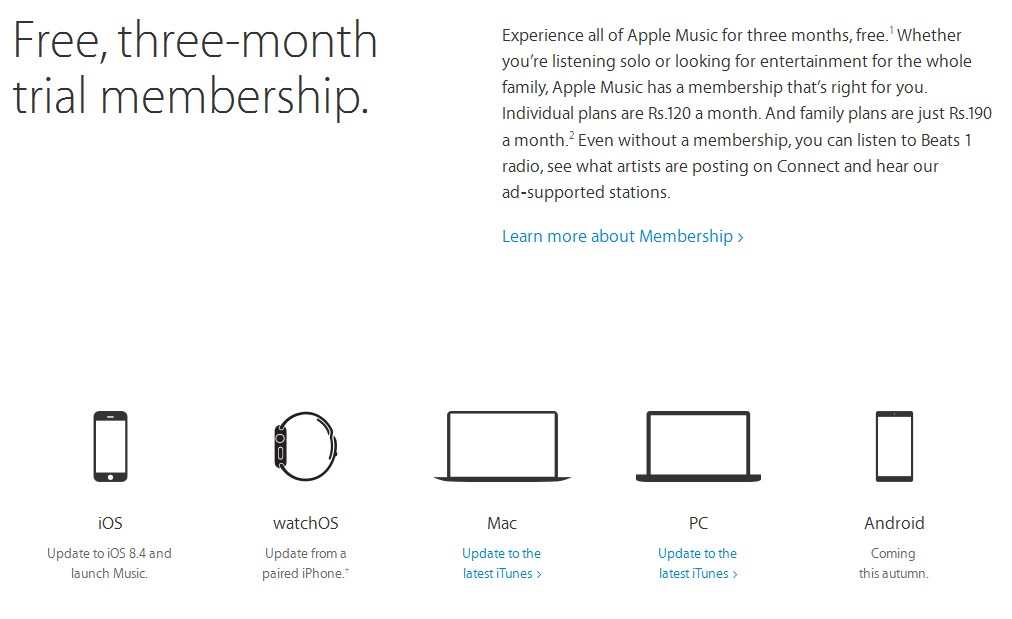


 Majority of mobile-phones support their storage to be used as an Mass Storage Device from a computer when plugged-in, unfortunately if you own an Apple iPhone, iPad or iPod Touch this is not possible. We have shared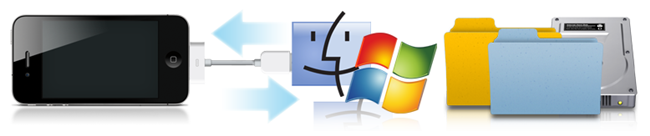
 Many
Many