Submitted by Deepesh Agarwal on Tue, 09/17/2013 - 09:04
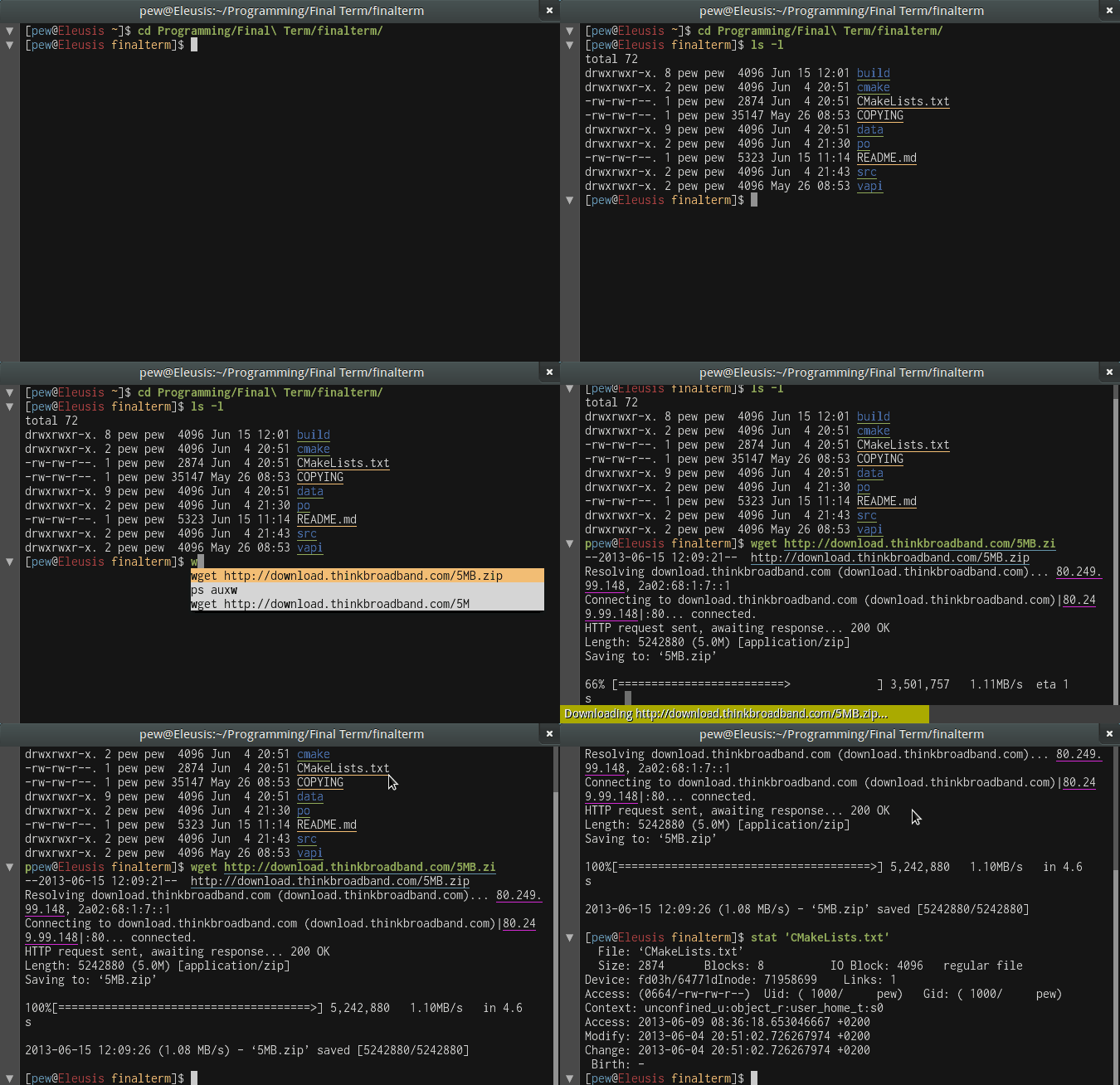
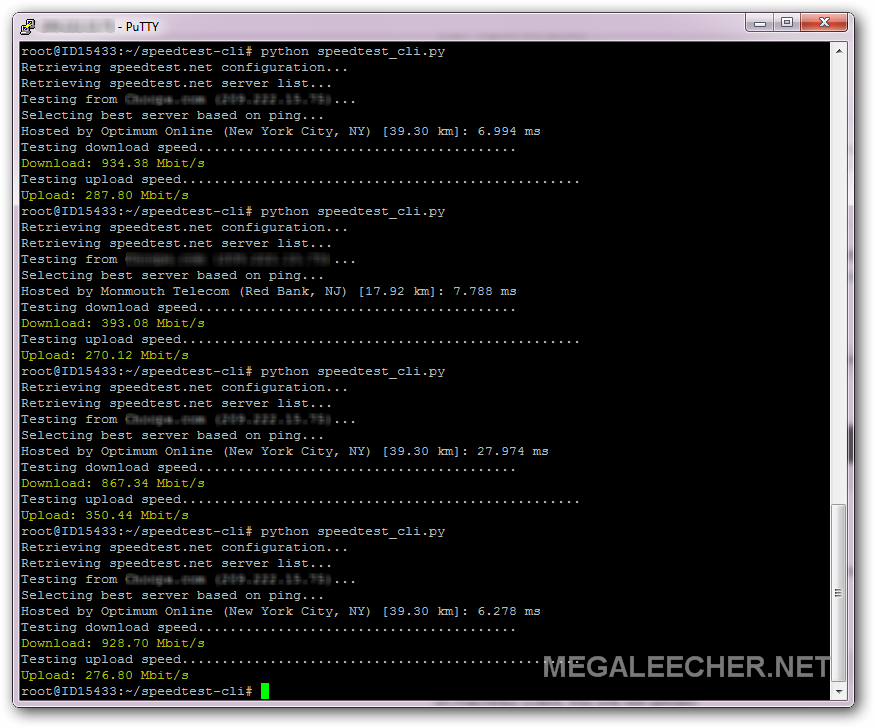
 There are numerous web-services like Speedtest.net which allow users to simply open a web-browser and benchmark their internet connections upload and download throughput with ease. However, if you need something similar for your server which does not have an graphical interface here are a few options to check network throughput from terminal/console. One can simply check download speed by using something like the command below at the terminal,
wget --output-document=/dev/null http://speedtest.wdc01.softlayer.com/downloads/test500.zip
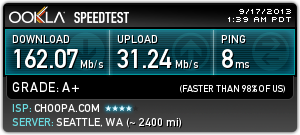
But for a thorough check with option for outputting beautiful shareable badge like the one on the right, we will use the "Speedtest" command-line utility as shown below.
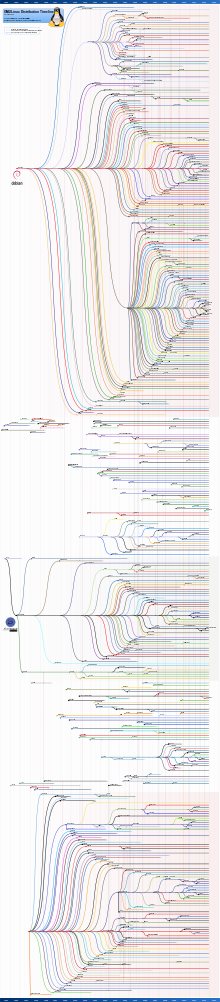
 The beauty of open-source software is that anyone is allowed to offer something to the community catering to specific group of users with similar needs. To testify this, there are currently 600+ Linux distributions available now in a wide variety of shape, size and forms ranging from fully featured environments catering to specific needs for desktop, server, laptop, netbook, mobile phone, and tablet computing as well as numerous embedded environments. Amazingly all this started and is built on top of the Linux kernel, click the interesting graphic below to see full-scale version of "The Evolution of Linux Distribution Timeline".