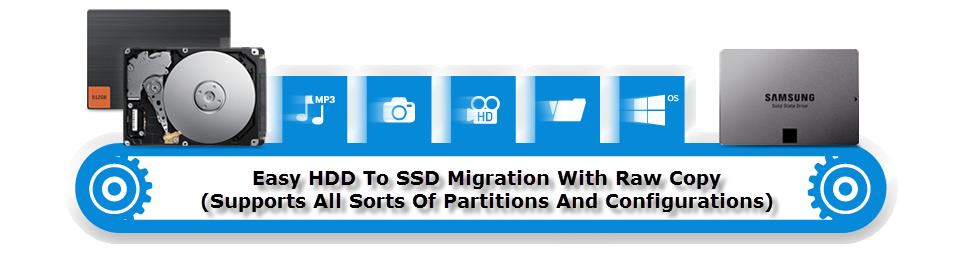
After using SSD on one of my PC and missing the blazingly fast speeds of it on my Apple Mac computer, I finally decided to get the iMac upgraded to SSD. To get data migrated from the old iMac Disk to my new Samsung EVO 850 SSD, I connected both to my other system running Windows 10. I installed and tried 3 popular data migration utilities on the Windows 10 PC which claimed to get the HDD to SSD migration job done, but all of them failed to recognise and clone the HFS+ (Mac OS X Partition) from the Bootcamped dual-boot configured iMac HDD.
Luckily, my memory served me on time and I went ahead using excellent, free "HDD Raw Copy Tool" utility for Windows to get the old HDD disk cloned as an exact one-to-one copy without any partition issue. We have used the same tool earlier to make compressed backup copies of Raspberry Pi SD-Card.
 I had earlier shared a trick on
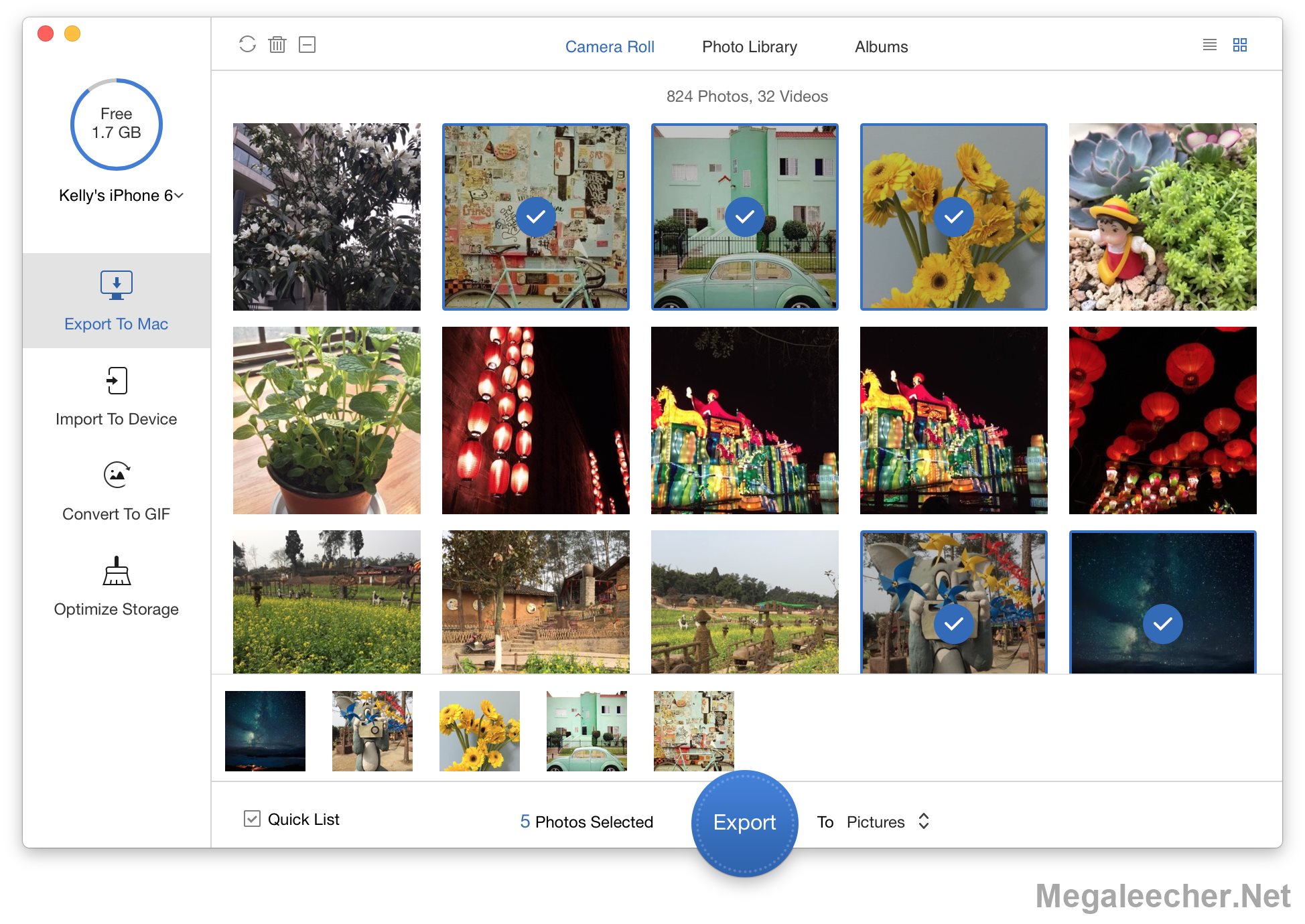
 PrimoPhoto is newly released desktop software that’s made to simplify your iPhone, iPad photo management. With its clear-cut interface, you can easily transfer your photos to / from your Windows / Mac computer without iTunes; convert Live Photos and other videos recordings to animated and shareable GIFs images so that you can share them through email, whatsapp, etc. Moreover, with PrimoPhoto, you can also optimize your iPhone storage by cleaning up all kind of photo cache junks.

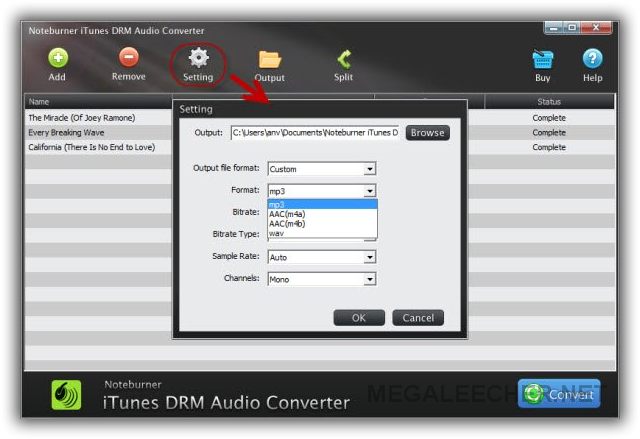
 If you want to get your iTunes music files, M4P songs and audiobooks to get free from DRM clutches, then look no further as